GET MORE FROM YOUR PC
Which PC upgrade
actually makes a difference?
Tell us about your current setup and see what to check before you spend.
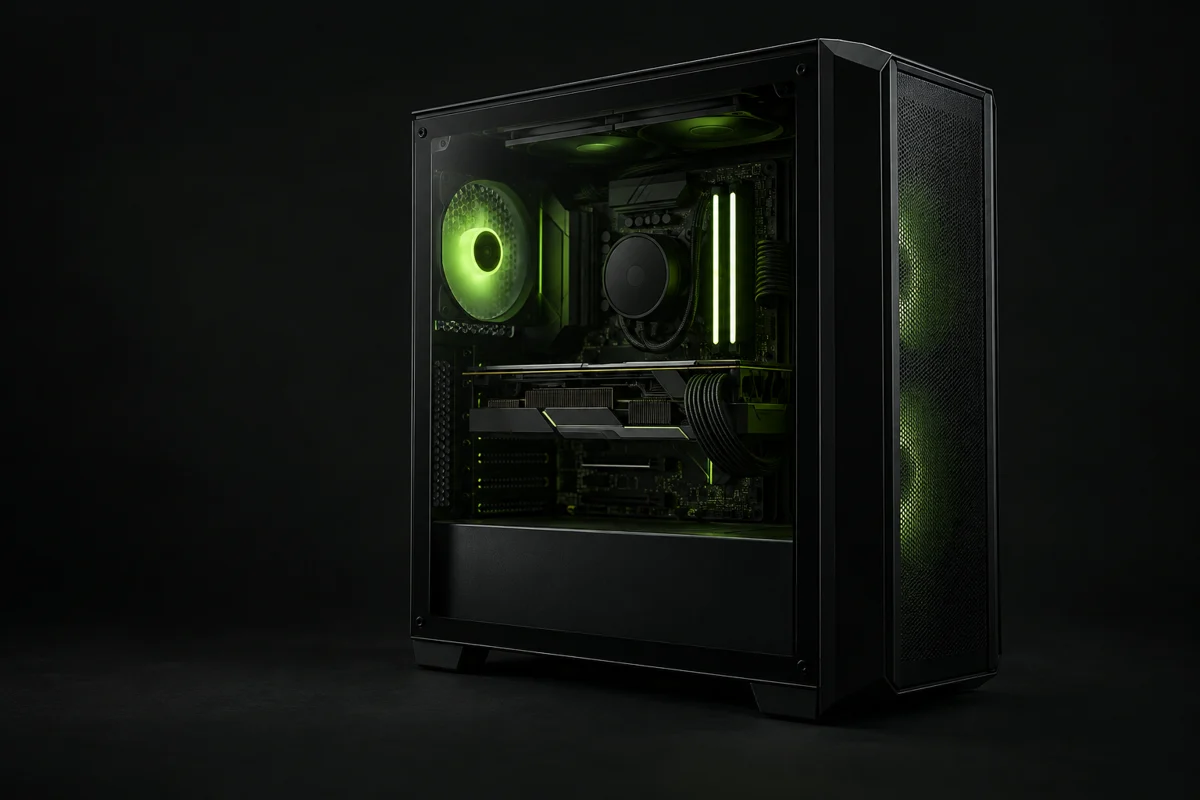 YOUR SETUP. MORE OPTIONS.
EXPLORE THE HARDWARE
Find the right kind of part
START WITH A PLAN
Build, compare, decide
Upgrade check
Find likely bottlenecks in your current setup and review indicative recommendations.
Start checkPC builder
Pick eight core component groups and check common compatibility issues.
Build a PCCompare sellers
Open direct product pages at several retailers. Prices are dated snapshots.
See shop linksCOMMON UPGRADE QUESTIONS
Find the right starting point
Graphics cards
Will a new graphics card fit my PC?
Check the PCIe slot, case clearance, power supply and connectors before ordering.
Read guideProcessors
Ryzen 5000 on a B450 motherboard: what should you check?
The AM4 socket is only a starting point: verify the board’s CPU list and required BIOS.
Read guideStorage
HDD to SSD upgrade: which drive fits and what changes?
An SSD can improve boot and load times; check the connector and back up your files first.
Read guideLEARN BEFORE YOU BUY
Practical PC guides
Graphics cards
RTX 5070 vs RX 9070 XT: planning your upgrade
Compare memory, power requirements and the full cost of your upgrade. Check your games and the exact card model.
6 min readGraphics cards
Which graphics card do you need for 1440p?
Balance image quality, frame rate and budget.
5 min readPower supplies
How much power does your PC need?
Consider the full system and the connectors, not just the GPU.
4 min read